Game-speed reps in VR. AI-powered swing feedback. The complete training system for players chasing results this summer.

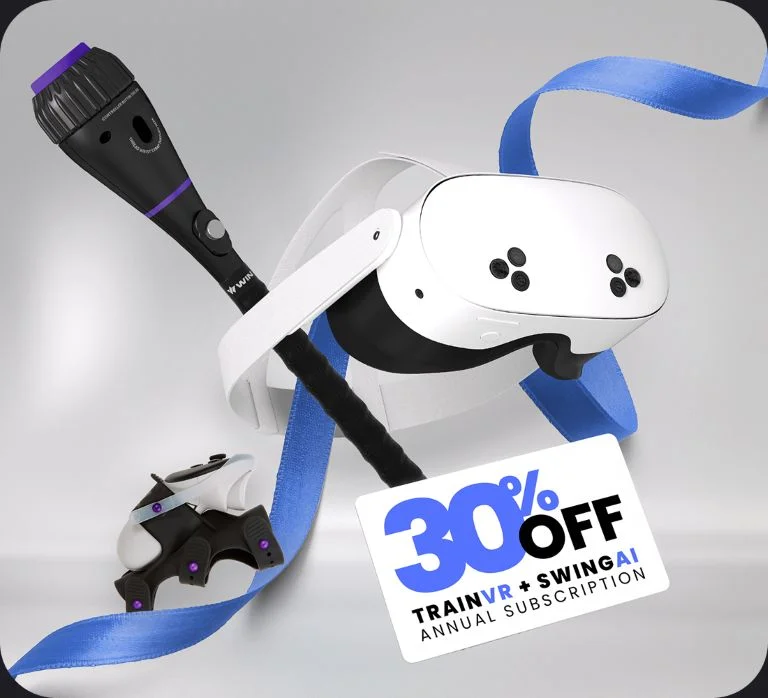
Get the Ultimate Hitter Pack and Save 30% on Your Subscription*
Grab the whole WIN hitting system and get 30% off on your annual bundle subscription for TrainVR and SwingAI.
Bat attachment? Check. A Meta Quest headset of their very own? Game on. A better swing starts now.
Train Like a Pro. Get a Free Gift on Us.
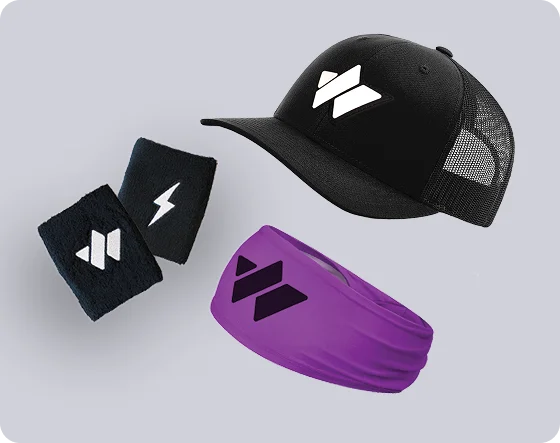
Every purchase comes with exclusive performance swag — a WIN branded hat, plus a co-branded Bruce Bolt headband and wristbands. Yours free.
- WIN branded hat, WIN co-branded Bruce Bolt headband and wristbands
- Automatically added to every qualifying order
- Available with all subscriptions while supplies last
THE COMPLETE HITTER DEVELOPMENT PLATFORM
From Virtual Reps to Real-Game Success
Build the skills to lower strikeouts and improve timing. All from your living room.
Upload Your Swings. Get Instant, Personalized Coaching Feedback.
Pro Level AI powered swing analysis and recommendations. Record and track your progress with just a phone.
HOW
PLAYERS WIN
- Compete against the best pitchers in the world.
- Master what scouts and recruiters are looking for.
- Train like the pros, to play like the pros.
Choose Level of Play
HOW
PARENTS WIN
Watch confidence soar. This is player improvement you can see on the field.
Less time, more reps, more fun.
Trains the must-have skills for players to reach the next level.
Choose Level of Play
HOW
COACHES WIN
- 200X your team’s game-speed reps.
- Drastically improve your teams timing and decision making at the plate.
- Instantly become an expert on swing mechanics.
Choose Level of Play
TRUSTED BY TOP PROGRAMS
COLLEGE
TRAVEL BALL